They work. You flow.
Your agents are busy. Green keeps you in the loop without pulling you out of your work.
WorkingA little buddy for your coding agents.
See who’s working, who’s waiting, and who needs you.
❯ Build something worth making.
✓ Read project files
✓ Plan the implementation
Making good things happen
Can I run the test suite?
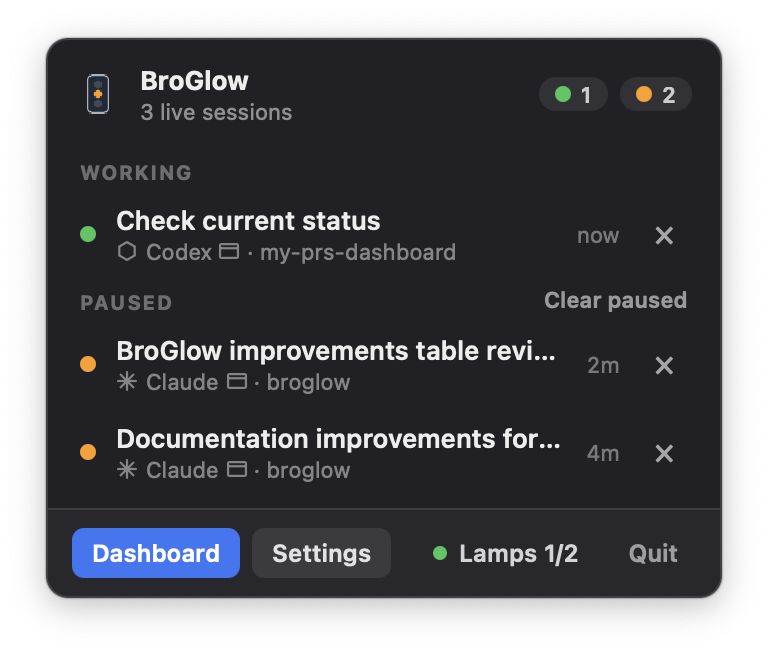
npm testApp preview unavailable. View our real app screenshot ↗
Actual BroGlow interface. Illustrative local sessions.
Start with the menu-bar app or terminal dashboard. Add a physical glow when you’re ready.
Print it. Add a board and three LEDs. Connect your buddy.
Build your buddyScroll to see the signal change. Turn it, try a color, or dial down the brightness.
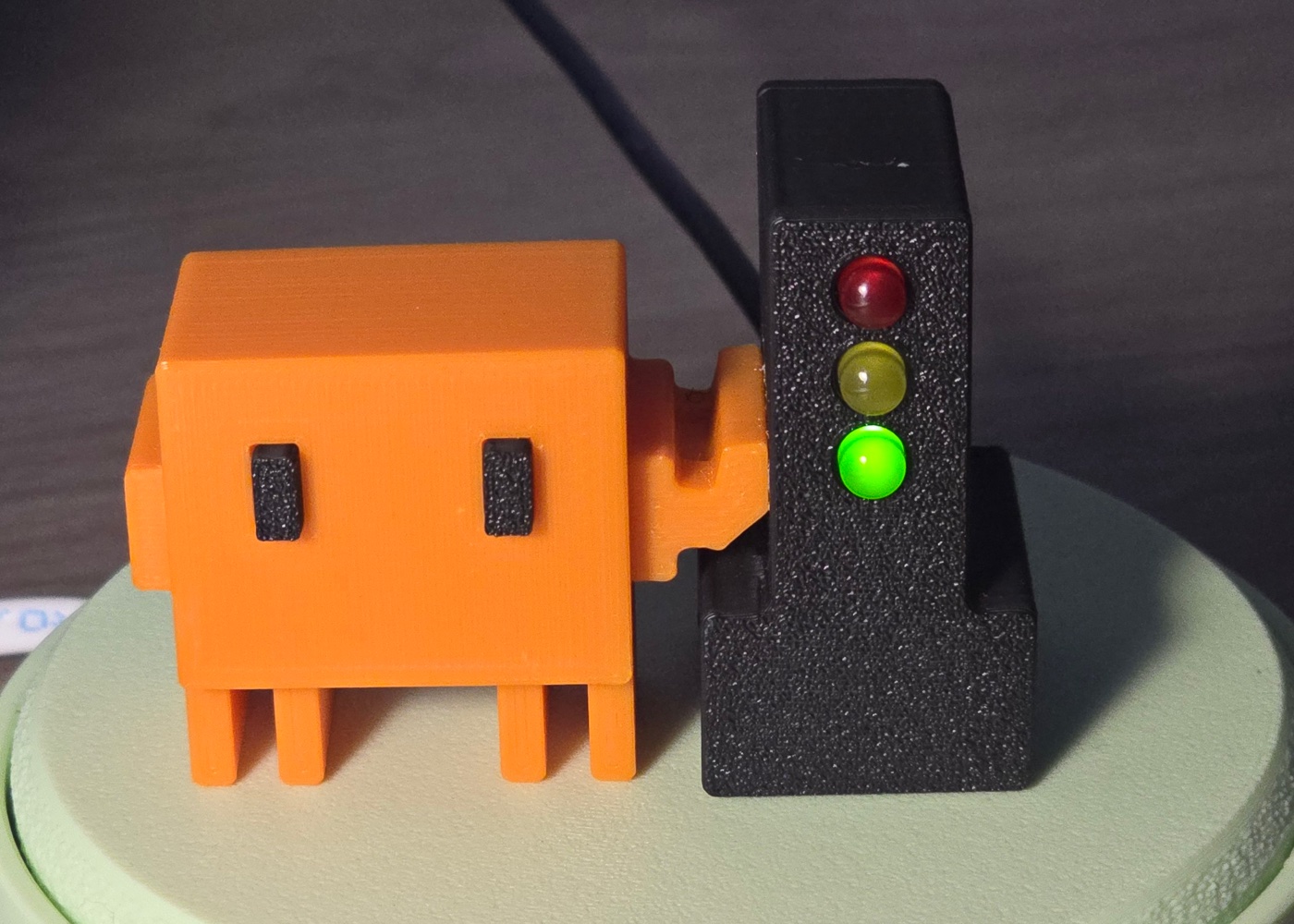
Working · 75% brightness
See BroGlow on your desk in real size. Use Safari on iPhone/iPad or an AR-compatible Android browser.
Your agents are busy. Green keeps you in the loop without pulling you out of your work.
WorkingYellow means a session is paused after its turn. Pick it up when you’re ready.
PausedA question or permission needs you. Red takes priority, so you know when to return.
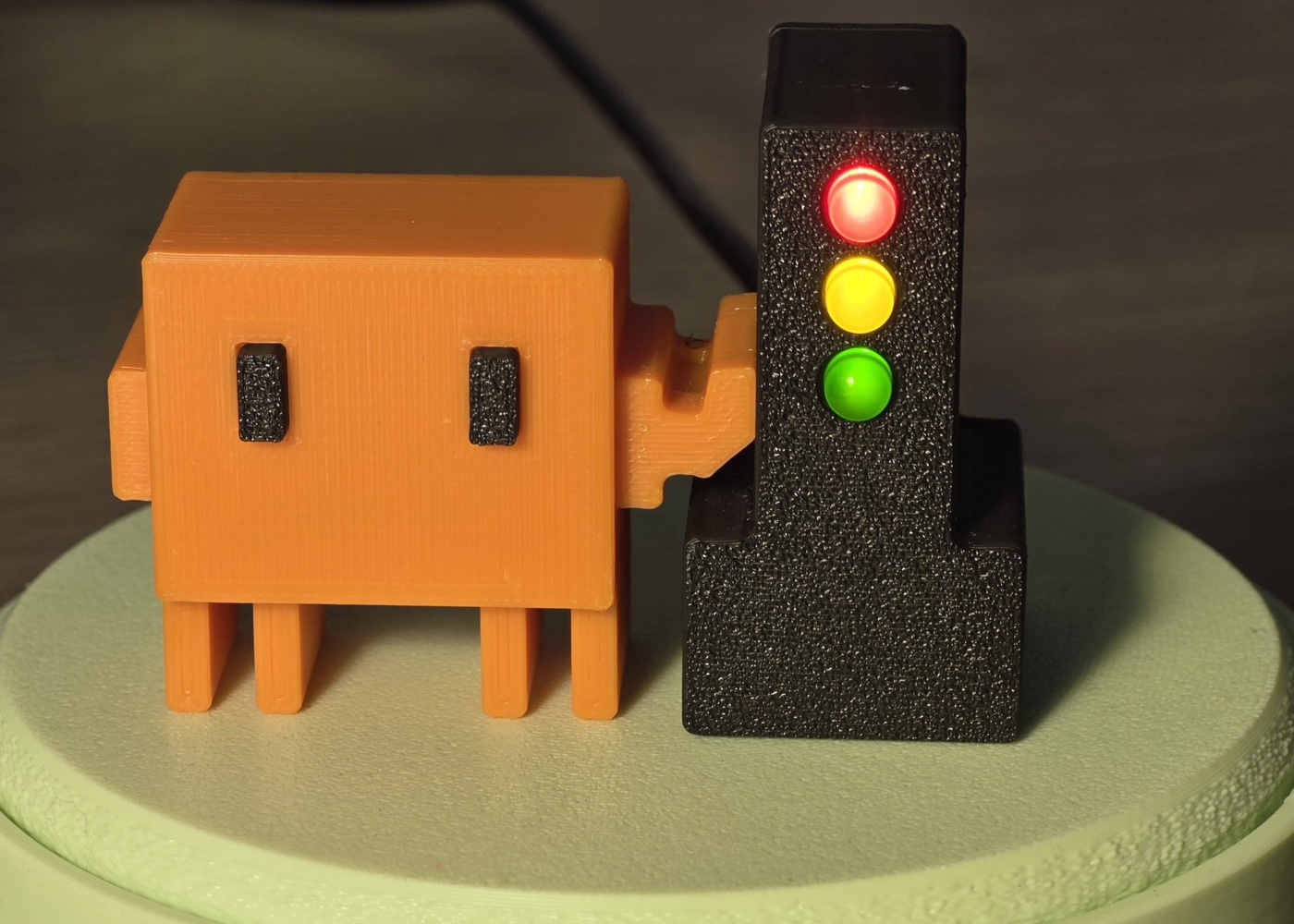
Needs inputThe same three signals, photographed on our own desk.
WorkingFree and open source. Make it yours.
Local sessions in your menu bar or terminal.
No lamp required.
brew install broglow/tap/broglow
broglow installAlso available: Windows tray app · Linux from source ↗
No. BroGlow works as a menu-bar or tray app and a terminal dashboard. The lamp is optional.
You can also 3D-print your own lamp. Get the models here:
Printables · MakerWorld
Claude Code, Codex (0.144 or newer), opencode, and GitHub Copilot CLI. BroGlow monitors local sessions; cloud tasks and ordinary web chats are outside its scope.
A session needing input always makes the signal red. If working and paused sessions coexist, yellow wins by default; you can choose to prioritize active work in Settings.